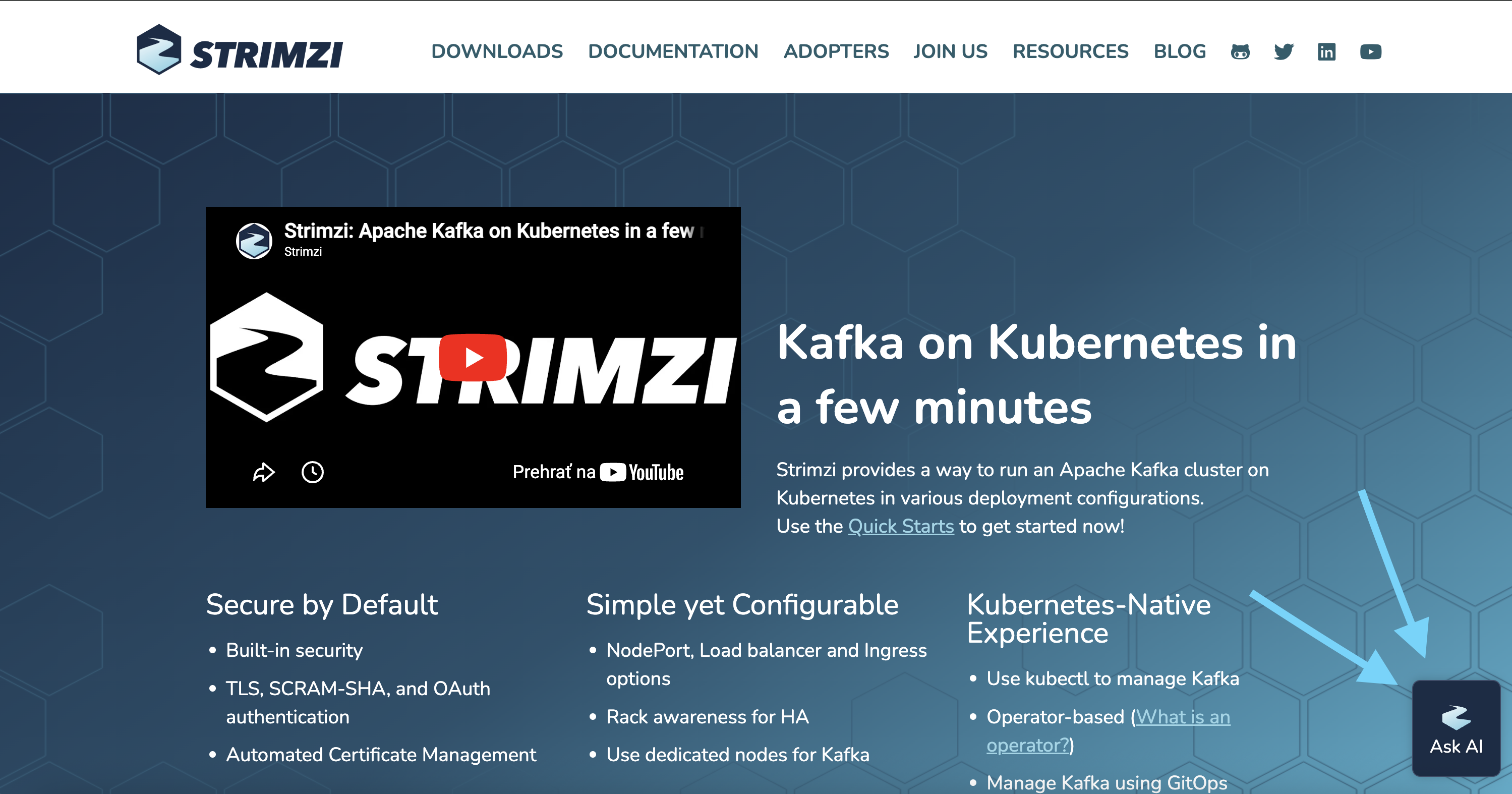
If you have visited the Strimzi website recently, you may have noticed something new: a small floating button in the bottom-right corner of every page. That is Kapa.ai, an AI-powered assistant now available across the entire Strimzi website, ready to help you find answers to your questions about Strimzi and Apache Kafka on Kubernetes.
Why We Added an AI Assistant
As Strimzi has grown, so has the volume of questions from the community. Many of these questions, whether they come through Slack, GitHub Discussions, or issues, are already answered somewhere in our documentation. But finding the right answer in the right place is not always easy, especially for newcomers.
Maintainers spend a significant amount of time answering repetitive questions, which takes time away from development, reviews, and other project work. This is a common challenge across open-source projects, sometimes called the “support tax.”
The CNCF partnered with Kapa.ai to offer AI-powered assistants to all CNCF projects, free of charge. When we saw the opportunity, we decided to try it out for Strimzi.
What Is Kapa.ai?
Kapa.ai is an AI assistant platform built specifically for technical communities. Unlike a general-purpose chatbot, it uses Retrieval Augmented Generation (RAG) to ground its responses in a project’s actual knowledge base. This means answers come from Strimzi’s own documentation, GitHub issues, discussions, and other project-specific sources, rather than from a generic language model that might hallucinate.
How It Works
Click the Strimzi icon in the bottom-right corner of any page on the Strimzi website, and a chat window opens. You can ask questions in natural language, and Kapa.ai will search through the Strimzi knowledge base to find relevant answers.
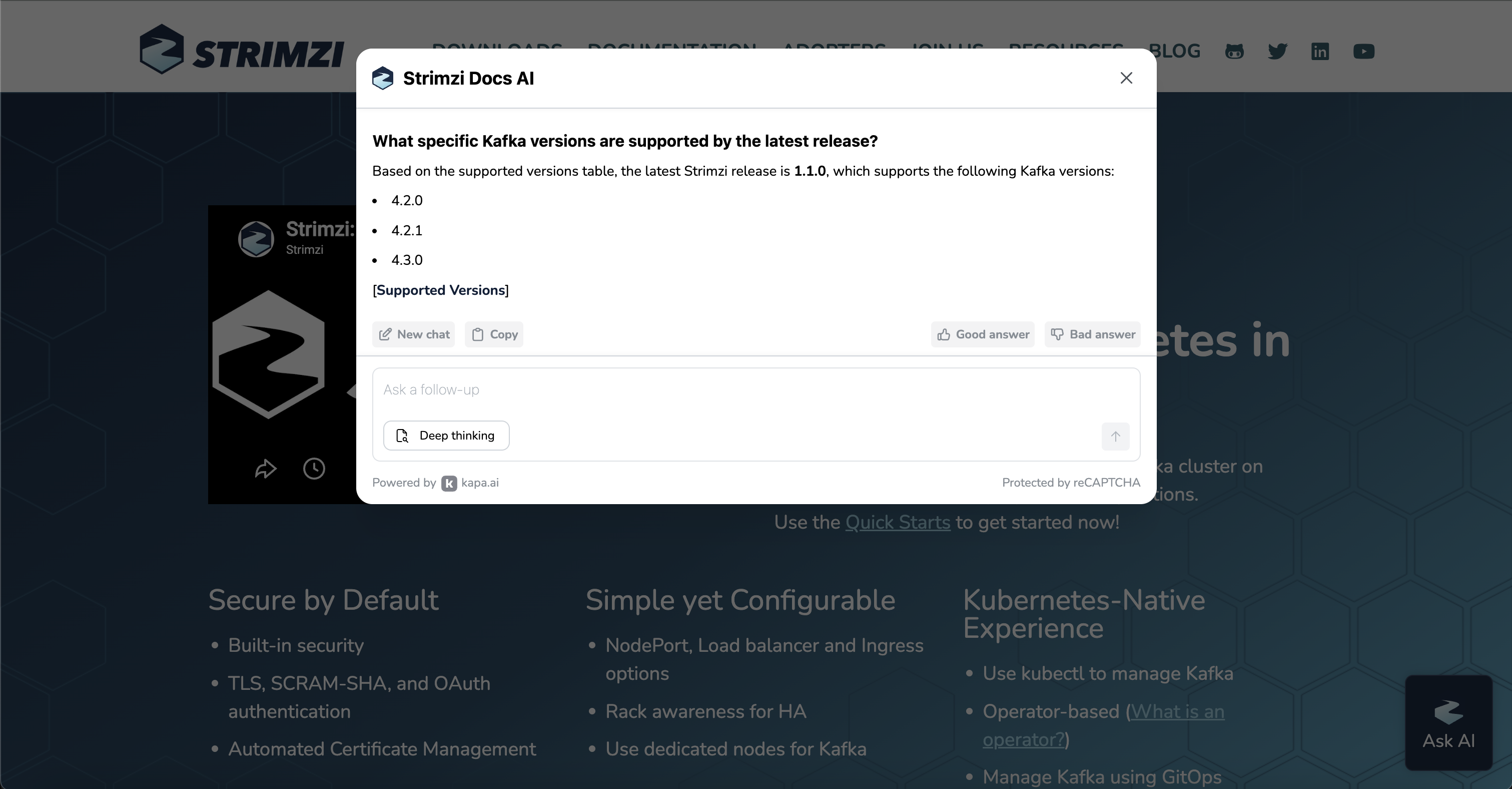
Each answer includes references to the source material, so you can verify the information and dive deeper if needed.
Here are a few examples of questions you could ask:
- “How do I configure TLS for Kafka listeners in Strimzi?”
- “What is the difference between KRaft and ZooKeeper mode in Strimzi?”
- “How do I set up Kafka Connect with Strimzi?”
- “What annotations control certificate renewal?”
What Kapa.ai Means for the Community
The goal is not to replace human interaction. Strimzi’s community channels remain the best place for in-depth discussions, design conversations, and collaboration.
What Kapa.ai does is handle the common, well-documented questions, so maintainers can focus on the work that needs a human: code reviews, design decisions, mentoring contributors, and pushing the project forward.
It also helps identify gaps in our documentation. When the assistant cannot answer a question, that is a signal that we may need to improve our docs in that area.
Privacy and Data
Kapa.ai does not use community question-and-answer data for training models or any other purpose. Your data stays with the project. You can read more about the CNCF’s partnership and data policies in their announcement blog post.
Try It Out
Head over to strimzi.io and click the floating Strimzi icon in the bottom-right corner. Ask it anything about Strimzi, and let us know what you think.
After each answer, you will see “Good Answer” and “Bad Answer” buttons along with an optional text field where you can explain your rating.
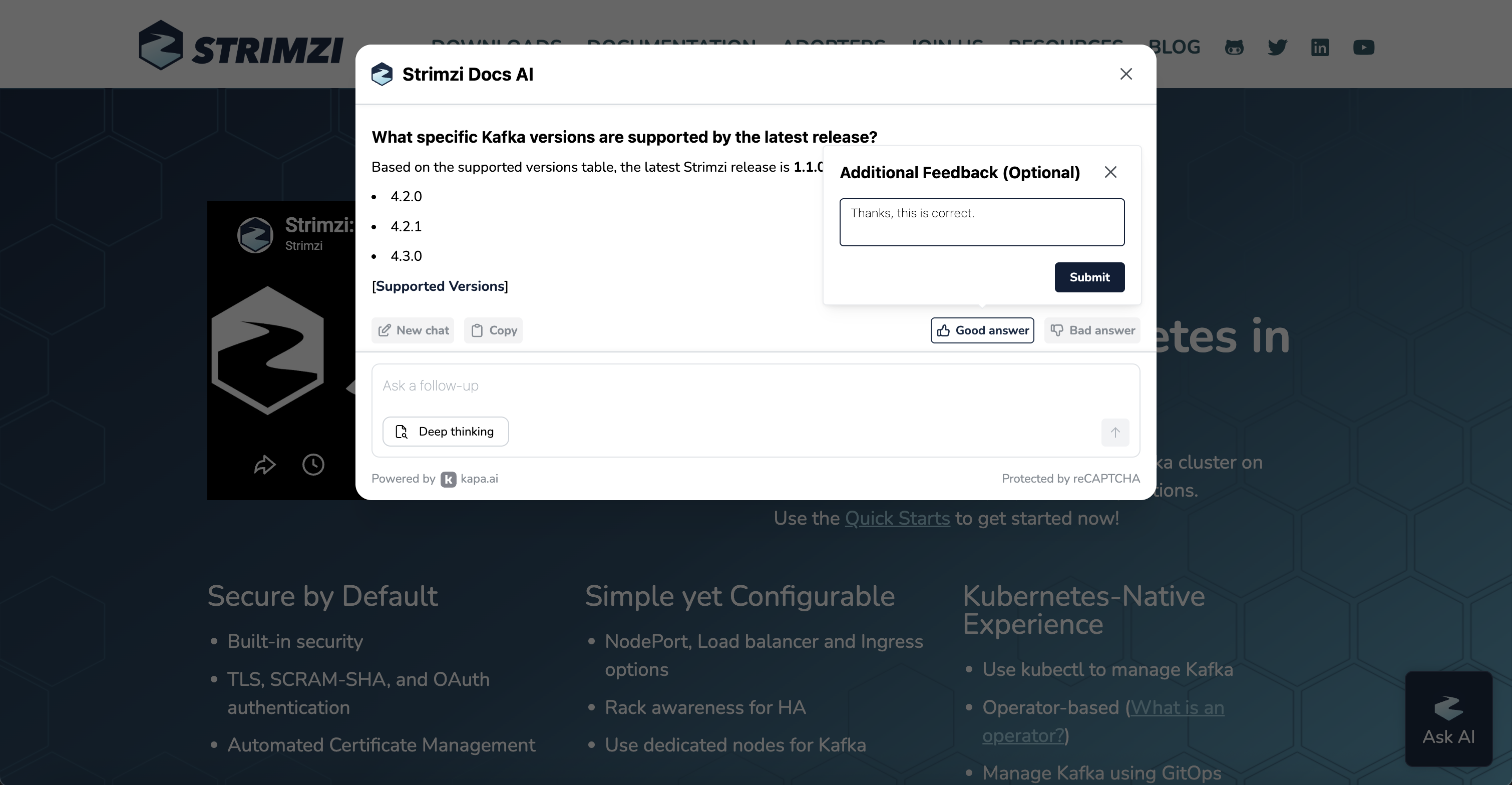
This feedback loop matters. Positive ratings confirm that the knowledge base is working well, while negative ratings with a short rationale help us pinpoint where the assistant falls short and where our documentation needs improvement.
We would love to hear your experience. Share your feedback on the #strimzi Slack channel or open a GitHub Discussion.
Share this: